
Last updated: August 6, 2026
Desktop Support Staffing
On-site technicians who keep endpoints running, users productive, and escalation queues short. KORE1 staffs desktop support for corporate offices, field operations, and white-glove executive environments across 30+ U.S. metros.
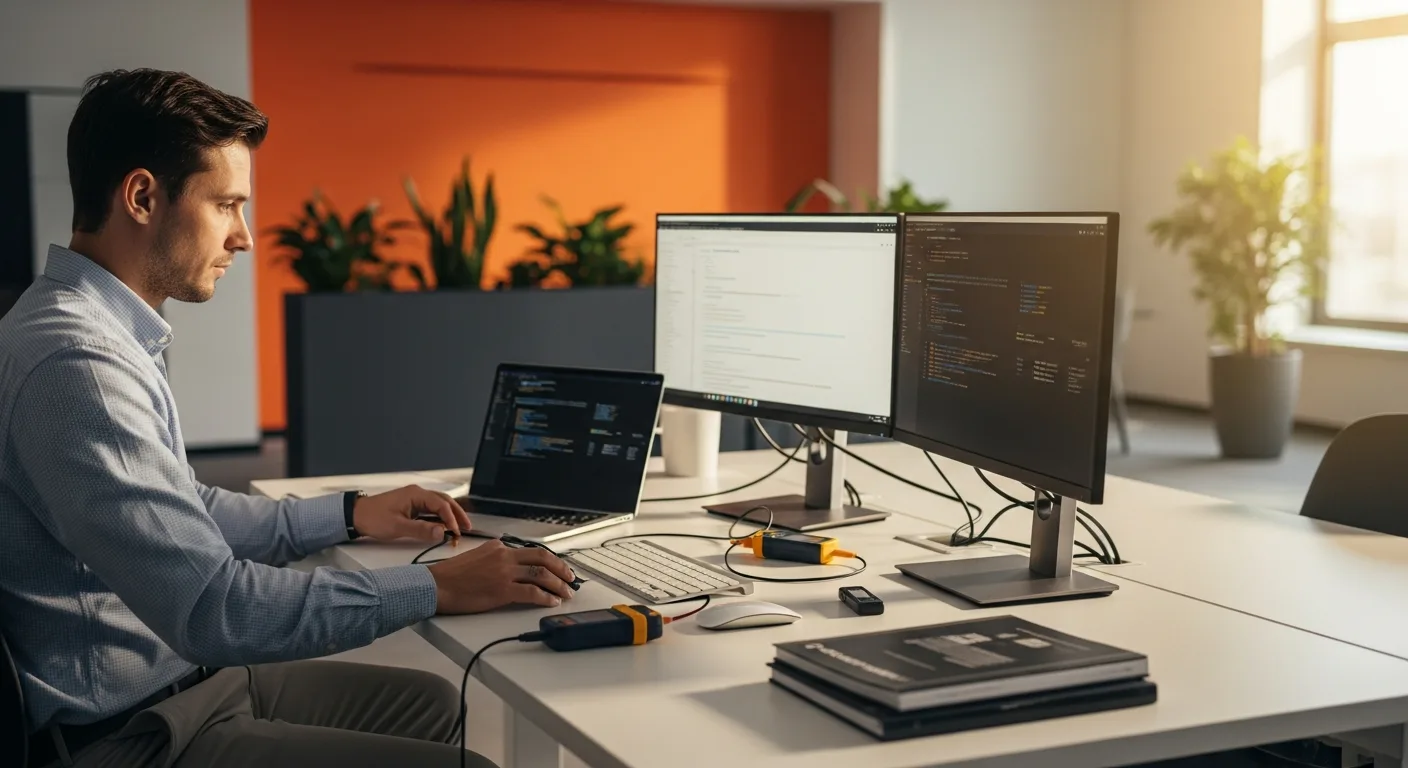
Desktop support staffing places on-site IT technicians who handle hardware repairs, software installs, imaging, and hands-on troubleshooting that remote help desks can’t resolve. KORE1 fills most desktop support roles in under 17 days with a 92% 12-month retention rate.
That single sentence covers the basics, but the job title hides a lot of range. Some desktop support techs are resetting passwords at a single-floor office. Others are running a 500-seat refresh across four buildings on a six-week deadline with zero tolerance for downtime. We staff both ends and everything between.
Below we break down the roles, the skills we screen for, how our process works, and the questions IT managers ask us most often. If your team just needs a body, any agency can help. If you need someone who can walk into a production floor on day one and start clearing a backlog, keep reading.
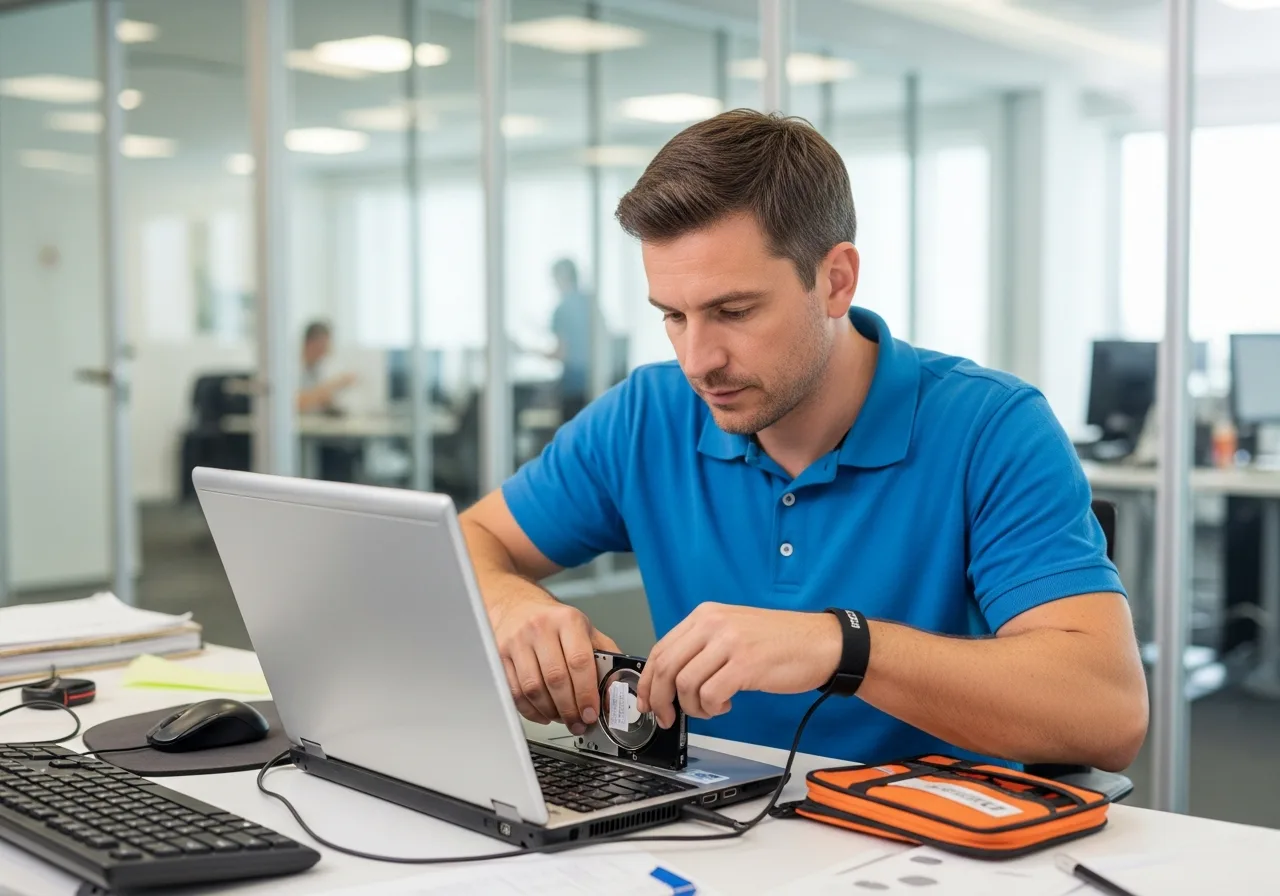
Desktop support isn’t help desk with a longer walk
A lot of agencies treat desktop support like a Tier 2 help desk role that happens to be on-site. It’s not. Desktop support techs touch hardware. They image machines, swap drives, configure docking stations, run cable, set up conference rooms, and handle the physical IT work that a remote agent can’t.
We screen for that. Our candidates have logged real seat counts on real refresh projects, not just lab work and CompTIA practice exams. Three of our last ten desktop support placements went to organizations running 500+ seat hardware refreshes with strict SLA windows. Those clients didn’t want someone who “knows how to image a laptop.” They wanted someone who’d imaged 40 in a day and could prove it.
Desktop support also sits inside our broader IT staffing services practice, so when a role blurs into network closet work or help desk overflow, we pull from the same vetted pool.
Desktop support roles we fill every month
The title “desktop support” covers a surprisingly wide range. Here’s what actually lands in our queue, from the entry-level walk-up bar to the senior deskside engineer running executive support for a Fortune 500 C-suite.
- Desktop Support Technician for workstation setup, imaging, hardware swap, and break-fix
- Deskside Support Engineer handling escalated hardware and software issues on-site
- Field Technician covering multi-site rotations, warehouse floors, and retail locations
- Executive / White-Glove Support for C-suite and VIP users who expect zero downtime and discretion
- Desktop Support Lead coordinating a team of techs across buildings or campuses
- PC Refresh / Deployment Technician for large-scale hardware rollouts on tight timelines
- AV/Conference Room Support for meeting room tech, Zoom Rooms, Teams Rooms, Crestron, Poly
- IT Asset Management Specialist tracking hardware lifecycle from procurement to decommission
- Mac Desktop Support for environments running macOS alongside Windows, increasingly common in creative and executive tiers
Need someone who can handle both a 200-seat Windows refresh and an executive Mac fleet? We’ve staffed that exact combo three times in the past year.
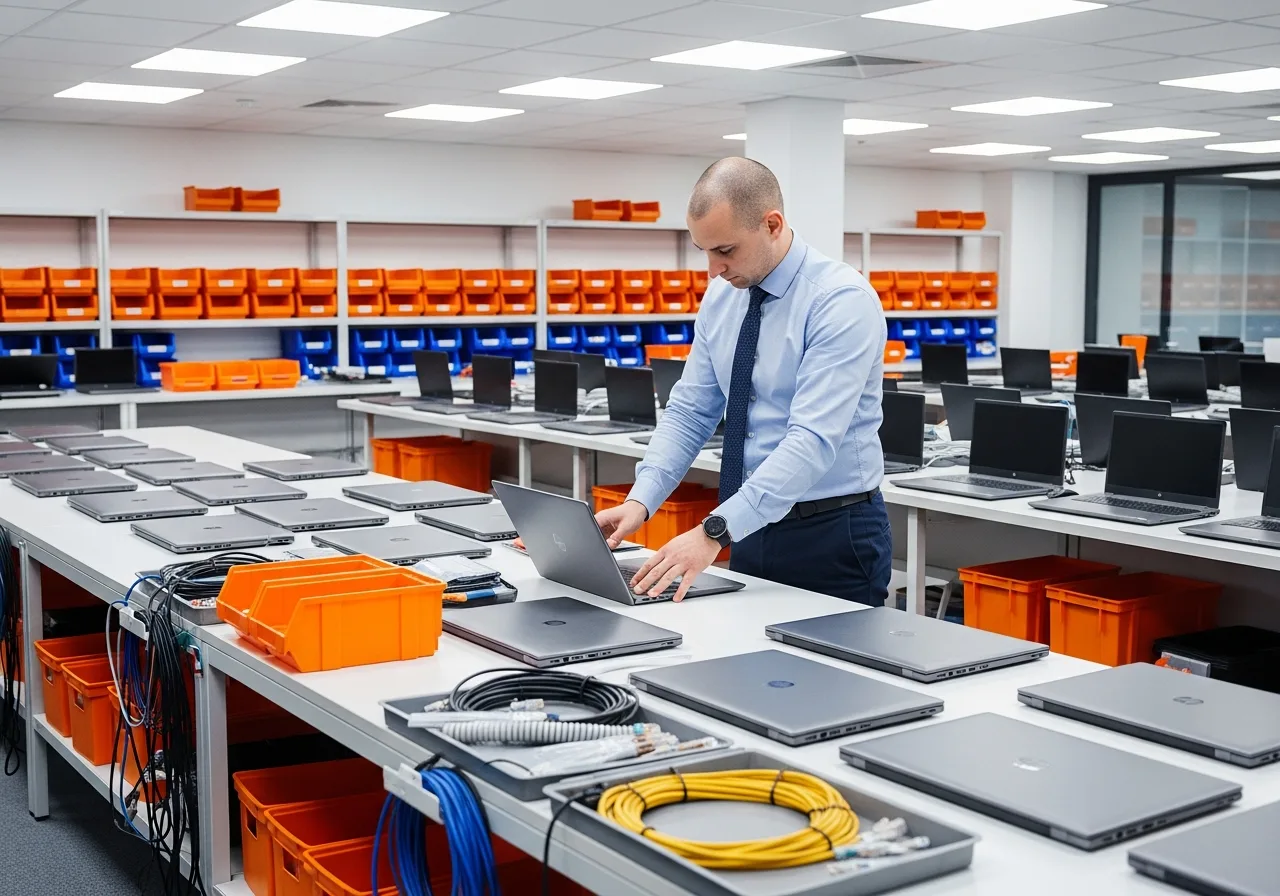
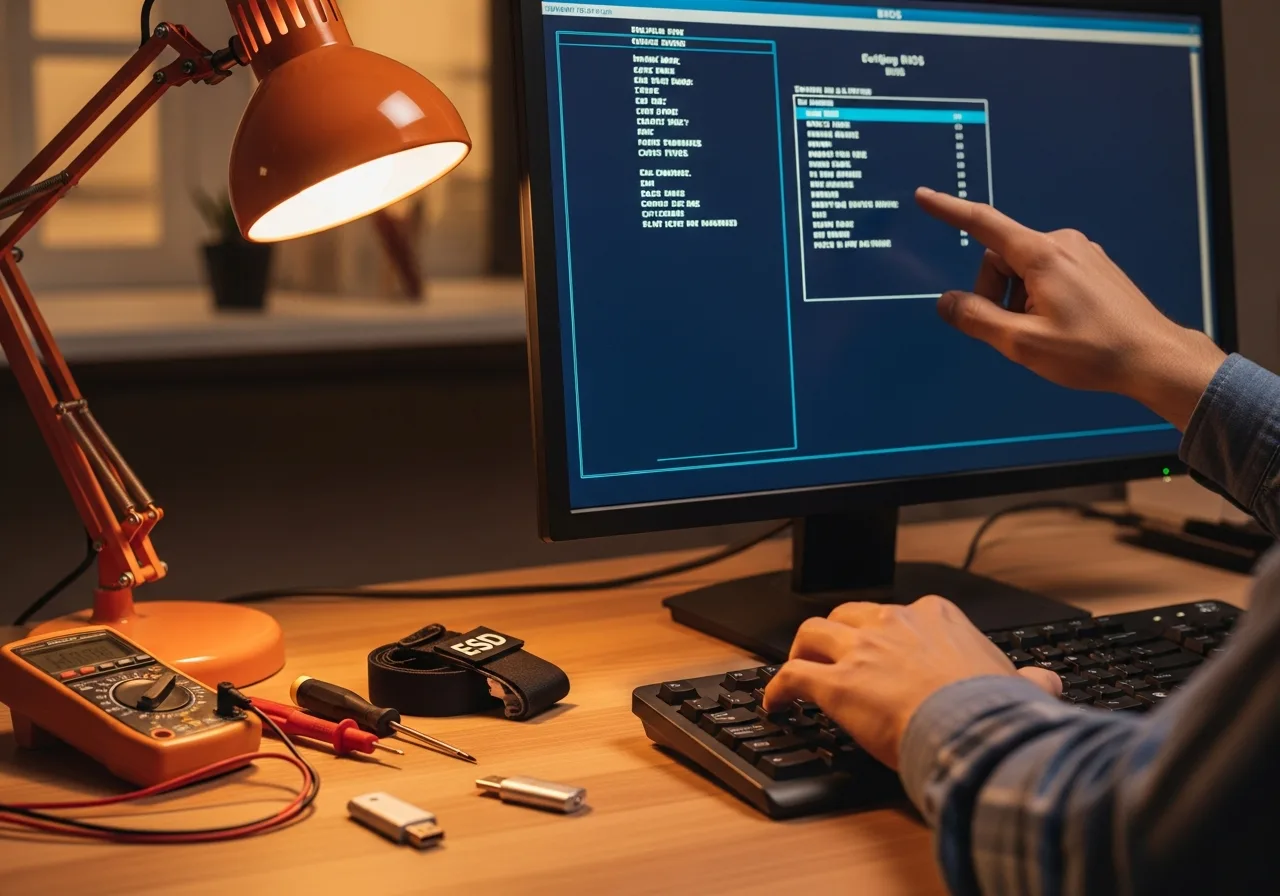
What we actually screen for
Resumes list certifications. We care about what happens when the printer on the third floor stops working five minutes before the CEO’s board presentation. That said, here’s the technical stack we validate.
Operating Systems
Windows 10/11 enterprise, macOS Ventura through Sequoia, basic Linux for dev workstations
Imaging and Deployment
SCCM/MECM, Intune/Autopilot, JAMF, PDQ Deploy, WDS, MDT
Endpoint Management
Microsoft Endpoint Manager, CrowdStrike, SentinelOne, Carbon Black, Tanium
Ticketing and ITSM
ServiceNow, Jira Service Management, Freshservice, Zendesk, ConnectWise
Hardware
Dell, Lenovo, HP enterprise lines. Docking stations, KVM switches, multi-monitor setups. Printer fleet management (Ricoh, Xerox, HP).
Networking Basics
TCP/IP, DNS, DHCP, VPN client config, wireless troubleshooting, basic switch port patching
Three ways to staff desktop support
Hardware refreshes need contractors. Permanent deskside roles need direct hire. Most teams use a mix, and we build the engagement around what actually fits.
Contract
Bring in desktop techs for a defined project, a refresh cycle, an office move, or seasonal surge coverage. See contract staffing details.
Contract to Hire
Trial a desktop support tech for 90 to 180 days before converting. Lowest-risk path when culture fit matters as much as technical skill.
Direct Hire
Senior deskside engineers, desktop leads, and IT asset managers who anchor your on-site team long-term. More on direct hire.
Why IT leaders choose KORE1 for desktop support staffing
Speed matters when a 300-seat refresh starts Monday. So does getting someone who won’t need two weeks of hand-holding.
Profiles in 3-5 days
We keep a warm bench of desktop support techs across major metros. Most searches have qualified candidates in front of you inside a week. Urgent fills move faster.
Hardware-first screening
We ask candidates to walk us through a real refresh they ran. How many seats. What tools. What broke. A resume full of certifications tells us less than 15 minutes of that conversation.
Multi-site coverage
Need techs across three offices in different states? We coordinate multi-location staffing with consistent quality. Our managed IT staffing bench plugs in when the scope grows.
Transparent pricing
Contract rates run on a clear markup. Direct hire is a percentage of first-year salary. No surprises, no hidden fees. If your budget can’t attract the tier you want, we’ll say so upfront.
Need desktop support talent?
Tell us the seat count, the timeline, and the tools. Most clients see qualified profiles inside a week.
Sources & References
- CompTIA A+ certification, Foundational hardware and OS support credential.
- Microsoft Learn: Endpoint Manager, Documentation for enterprise endpoint deployment.
Common Questions
What is desktop support staffing?
Desktop support staffing is the practice of recruiting on-site IT technicians who handle hardware repairs, workstation imaging, software installs, and hands-on troubleshooting for end users. These roles require physical presence, which separates them from remote help desk work. KORE1 places desktop support techs on contract, contract-to-hire, and direct hire terms across 30+ U.S. metros.
How is desktop support different from help desk?
Desktop support is on-site, hands-on work. Help desk is primarily remote ticket resolution. A help desk tech resets your password over the phone. A desktop support tech walks to your desk, swaps your docking station, re-images your laptop, and makes sure the second monitor works before leaving. Both matter, but the skill sets are different. We staff both through our help desk staffing and desktop support practices.
How quickly can KORE1 fill a desktop support role?
17 days on average. Standard desktop support tech roles often fill faster because we maintain a warm bench of pre-vetted candidates in major metros. Senior deskside engineers or niche roles like Mac-only support in smaller markets take longer, typically three to five weeks. We’ll set expectations on the first call based on your specific requirements.
Can you staff a large-scale PC refresh or hardware rollout?
Absolutely, and it’s one of our most common desktop support requests. We’ve staffed refresh projects ranging from 200 seats in a single building to 2,000+ across multiple sites with phased timelines. The key is matching techs who’ve actually done high-volume imaging and deployment before, not just someone who can follow an SCCM task sequence for the first time.
What certifications do your desktop support candidates typically hold?
CompTIA A+ and Network+ are common, and Microsoft certifications like MD-102 (Endpoint Administrator) show up frequently. JAMF certifications matter for Mac-heavy environments. That said, we’ve learned to weight real deployment experience over certification count. A tech with 300 seats of SCCM imaging behind them and no A+ will outperform someone with four certs and six months of lab time almost every time.
Do you provide desktop support for Mac environments?
Yes. Mac desktop support has grown steadily in our queue, especially in creative agencies, executive suites, and tech companies running mixed fleets. We screen for JAMF Pro, Apple Business Manager, macOS enterprise deployment, and the patience required to support users who switched from Windows last quarter and have questions about everything. Dual-environment techs who handle both Windows and Mac are our fastest-growing desktop support segment.
How much does it cost to hire desktop support through a staffing agency?
Contract desktop support typically bills between $28 and $55 per hour depending on the metro, scope, and seniority. Entry-level techs in mid-market cities sit at the lower end. Senior deskside engineers or white-glove executive support in top-10 metros land higher. Direct hire fees are a percentage of first-year salary. We’ll give you a straight answer on rates during the intake call, not after three rounds of “let me check with my team.” Contact us for a quote.
