SharePoint Migration Consultant Staffing for the Move Into SharePoint Online
Contract migration engineers, an information architect and a Power Automate developer, staffed to your plan and gone when the content lands.
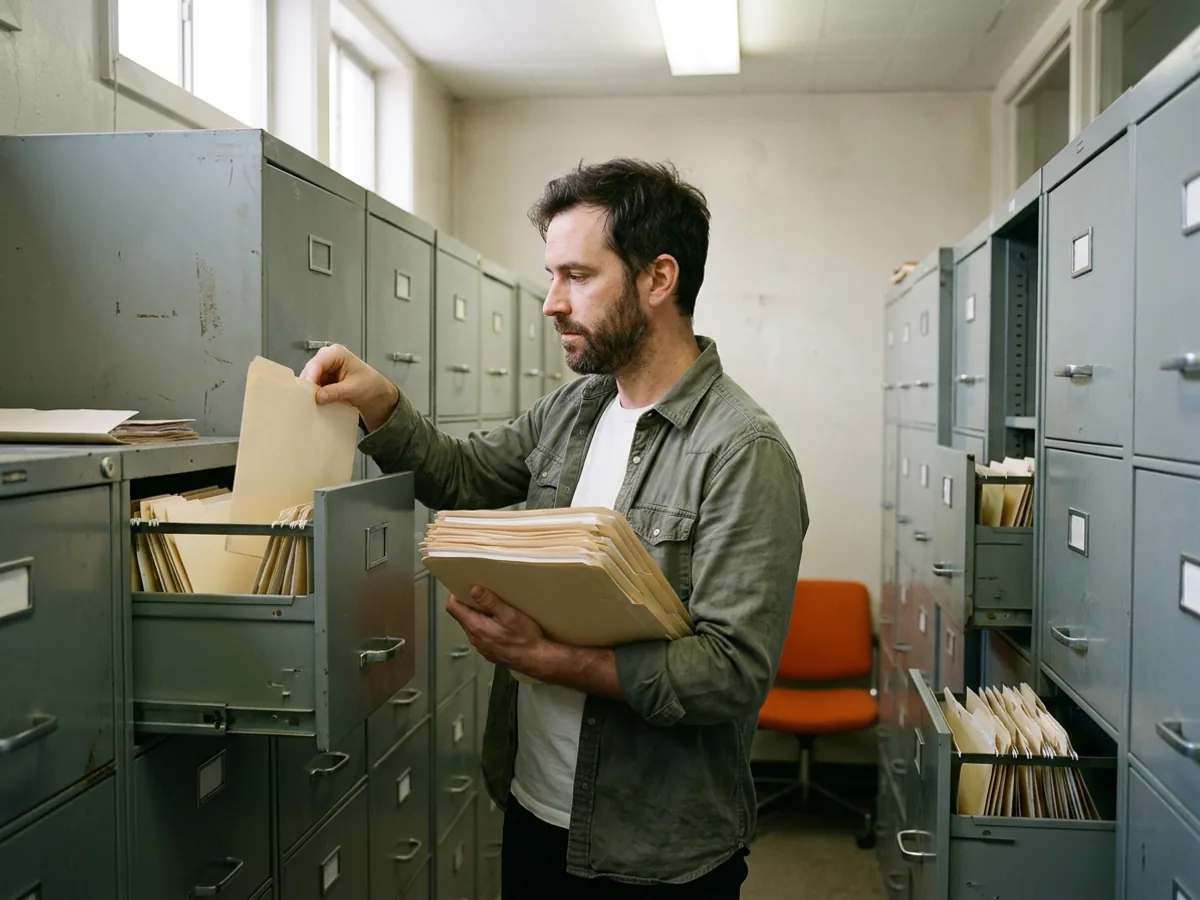
A SharePoint migration consultant plans and runs the move of file shares, older SharePoint farms or another tenant’s sites into SharePoint Online. KORE1 staffs contract migration engineers, information architects and Power Automate developers as one project team.
Last updated: October 6, 2026
- This page
- Moving documents, sites, permissions and old workflows into SharePoint Online, and who to staff for it.
- Covered elsewhere
- Servers and applications going to Azure or AWS are a cloud migration project. Building new flows is Power Automate consultant staffing. The wider merger is M&A integration staffing.
Most of these projects start with a date somebody else set. SharePoint Server 2016 and 2019 both left extended support on July 14, 2026, the same day as InfoPath 2013 and SharePoint Designer 2013. Microsoft had already pulled SharePoint 2013 workflows out of existing Microsoft 365 tenants on April 2, 2026. A farm still running on 2016 or 2019 gets no security fixes now, and every month it stays up is another month of unpatched servers holding your contracts, HR files and board decks.
Then there’s the shared drive everyone still calls S. It’s full. Nobody owns it. And there’s the acquisition that left you with two tenants and one finance team.
Our project staffing desk, part of KORE1’s IT staffing services, puts contract specialists on that work for as long as it runs. Same recruiters, contract paperwork. They’re on our W-2 through contract staffing, they work inside your tenant, and they leave a plan your own admins can keep running.

What a SharePoint Migration Consultant Actually Does
Copying files is the easy part. Microsoft gives the copy tools away. The judgment isn’t free.
- Scan the sourceCount what’s there before anyone promises a date. Every file. The free SharePoint Migration Tool, SPMT, reads file shares and SharePoint Server 2010 through 2019, and its scan reports long paths and blocked names. The older SMAT assessment tool covers 2010, 2013 and 2016 farms.
- Decide where things goOne share rarely maps to one site. Sometimes it does. Mostly not. Somebody has to decide which department gets a site, which folders become libraries and which twelve-level trees get flattened.
- PermissionsFile servers collect years of one-off grants to people who left in 2019. Lots of them. Moving them as-is carries the mess into the cloud, where it’s harder to see, because nobody opens a library’s advanced permission pages the way they used to right-click a folder on the file server and squint at the security tab.
- Old workflows and formsSPMT only carries SharePoint 2010 out-of-the-box workflows. Everything built in SharePoint Designer or InfoPath gets rebuilt, usually in Power Automate and Power Apps. No exceptions.
- CutoverWaves, delta passes, drive mappings removed, the old share set to read-only. Then a few weeks of answering “where did my folder go?” Every day.
For bigger estates, Microsoft’s Migration Manager runs the copy across several agent machines at once and also pulls from Box, Dropbox, Google Workspace and Egnyte. It handles files up to 250 GB and needs the source server on SMB 2.0 or higher.
Good tools. Really. They still need someone to point them, and the someone matters more than the tool, because the scan only tells you what’s there and never what should happen to it once it arrives in the cloud.
One File, Measured Three Ways
SharePoint Online allows a path of 400 characters. Excel, Word and File Explorer on Windows still stop at 260. A migration can pass the first check and fail the second the day people sync the library.
On the file server 219 characters
S:\Finance\Accounts Payable\Vendor Files\Active Vendors\Midland Industrial Supply\Contracts and Amendments\2024 Master Services Agreement\Executed Copies\Midland Industrial Supply MSA Amendment 3 Freight Terms FINAL.pdf
In SharePoint Online 252 characters
sites/Finance/Shared Documents/FS01 Finance/Accounts Payable/Vendor Files/Active Vendors/Midland Industrial Supply/Contracts and Amendments/2024 Master Services Agreement/Executed Copies/Midland Industrial Supply MSA Amendment 3 Freight Terms FINAL.pdf
Synced to a laptop 272 characters, 12 over
C:\Users\jlee\Contoso Holdings\Finance - Documents\FS01 Finance\Accounts Payable\Vendor Files\Active Vendors\Midland Industrial Supply\Contracts and Amendments\2024 Master Services Agreement\Executed Copies\Midland Industrial Supply MSA Amendment 3 Freight Terms FINAL.pdf
- 260
- Office desktop apps and File Explorer stop opening, renaming and moving the file.
- 400
- SharePoint Online refuses the path, file name included.
Nothing failed in the migration log. That’s the trap.
The copy tool measured 252 characters against SharePoint’s 400 and moved the file without a warning. Three weeks later a payables clerk syncs the library, the laptop adds its own prefix, and Excel won’t open the freight amendment, because the sync folder for a SharePoint library carries the organization name and the site and library names, and every one of those characters counts against the same 260 that Windows has enforced since long before anyone at your company created that folder tree.
A migration engineer catches it before cutover by measuring the synced path, not the cloud one. The fix is usually structural. Not clever. Drop the extra top folder, map the department straight to the library root and let the information architect turn two or three folder levels into metadata columns.
A SharePoint Migration Consultant, a Firm or a Staffed Team
This is the question most people searching for a SharePoint migration consultant are really asking. Three ways to pay for the same move.
Independent consultant
Migration firm
KORE1 contract team
Who does the work
ConsultantOne person, end to end.
FirmA delivery team the firm assigns and can rotate.
KORE1 teamNamed contractors you interviewed, inside your tenant.
Who owns the plan
ConsultantThe consultant, until the contract ends.
FirmThe firm, as written in its statement of work.
KORE1 teamYour IT lead. The migration engineer drafts it.
How it bills
ConsultantHourly or a day rate.
FirmOften a fixed bid per phase, plus change orders.
KORE1 teamHourly per contractor, on a KORE1 W-2.
When the scan finds more
ConsultantThe timeline stretches. There’s one of them.
FirmA change order, priced by the firm.
KORE1 teamAdd a seat for the heavy waves, drop it after.
Tools
ConsultantWhatever they’re used to.
FirmTheirs, sometimes bundled into the price.
KORE1 teamYours, starting with the free Microsoft ones.
After cutover
ConsultantGone, unless you book them again.
FirmSupport for the weeks the contract names.
KORE1 teamKeep one contractor on, or hire them.
None of these is wrong. A small share with clean permissions is a fine job for one good consultant.
A firm earns its fee when you want one vendor accountable and a fixed number in the budget. Then the middle. The staffed team fits there, where the scope is still moving and you’d rather own the plan than rent it, which is also where the trade-offs in staff augmentation versus managed services start to matter.
400
characters, the longest path SharePoint Online accepts
260
characters, where Office desktop apps stop opening a file
Jul 14, 2026
SharePoint Server 2016 and 2019 support ended
17 days
KORE1’s average time to hire for IT roles
Path limits from Microsoft Support. Support dates from Microsoft Lifecycle. Hiring figure from Why KORE1.

Who Sits on a SharePoint Migration Team
Three seats cover most mid-market moves. Small ones collapse into two. Big ones add a second engineer.
- Migration engineerRuns the scans, the tool and the waves. Reads the logs. Knows what a failed item report means and which errors can wait.
- Information architectDesigns the destination. Sites, hub sites, libraries, the columns that replace deep folders and the groups that replace one-off grants.
- Power Automate developerRebuilds the approvals and InfoPath forms that didn’t survive. Not cheap. Contract Power Platform developers run $90 to $140 an hour in 2026, per our Dynamics 365 rate table.
- Sometimes a trainerTwo hundred people losing a mapped drive on a Monday will have questions. Lots.
Permissions are where the architect earns the fee. Microsoft supports up to 50,000 items with unique permissions in one list or library but recommends staying near 5,000, and a file server that granted access folder by folder for fifteen years can blow past that in a single department.
Collapse it to groups first. Then move. The same over-shared folders are what trips up an internal AI assistant built on company files, so the cleanup pays twice.
Permanent SharePoint admin after the move? Our systems administrator staffing desk covers that seat, and our guide to hiring a systems administrator covers the screen.
How a SharePoint Migration Project Runs
Order matters more than speed. Skip one and you’ll redo it.
- Scan the sourceFile counts, total size, paths near either limit, blocked names such as desktop.ini or files starting with ~$, and every folder with its own permissions.
- Map it to sites and librariesThe information architect draws the destination and measures the synced path for the deepest folders.
- Clean permissionsReplace individual grants with groups and remove people who left. Do it at the source, where it’s cheaper.
- Pilot one departmentMove it, sync it on real laptops and open the deepest files in desktop Excel. Something will break. Fix it there.
- Move in wavesDepartment by department, with a final delta pass on cutover night to pick up late edits.
- Cut over and stay closeSet the old share to read-only, remove the drive mapping and keep someone on for questions, ideally the engineer who moved that department, since they already know which folders were renamed and which ones were merged into another library.
Data volume is rarely what sets the schedule. Terabytes copy fast. Permissions cleanup and workflow rebuilds don’t.
If the plan ends early and a contractor rolls off, a knowledge transfer plan keeps the next person from starting cold, and our offboarding checklist closes the admin access they held. Running several departments in parallel? An IT project manager keeps the cutover calendar honest.

Moving SharePoint Between Tenants After an Acquisition
Two companies, two Microsoft 365 tenants, one set of people who now need the same files. This one’s harder. Much harder.
Microsoft does sell a native route. Its cross-tenant SharePoint migration is available only to Enterprise Agreement customers and is licensed per 100 GB of data moved, with a 20% grace for sites that grow mid-project. Companies outside an Enterprise Agreement usually buy a third-party migration tool instead.
The copy is still the smaller job. It usually is. Every user needs a matching account in the destination, every sharing link the acquired team sent last year will break, and Teams-connected sites carry chat history that doesn’t live in SharePoint at all. The migration engineer on a tenant move spends real hours on the identity map before a single file moves.
Is the deal bigger than the files? Then the SharePoint move is one workstream inside M&A integration, and we’d staff it that way. If an ERP moves in the same deal, that’s ERP data migration staffing, a separate desk.
Project Team, One Seat, SOW or Contract-to-Hire
Same recruiters, different paperwork. Pick by how settled the scope is, because a fixed price on a scope nobody has scanned yet is a guess that somebody, usually you, ends up paying for in change orders.
Whole team
A project team
Engineer, architect and developer start together and roll off on the plan’s own dates.
Project staffingOne seat
A single consultant
One contract migration engineer joins your admins for a share or two they can’t get to.
Contract staffingFixed scope
Deliverables on a SOW
When the scan is done and the scope is firm, pay against milestones instead of hours.
SOW staffingKeep them
Contract, then hire
The engineer who built your libraries often makes the best permanent SharePoint admin.
Contract-to-hire
Common Questions
What does a SharePoint migration consultant do?
A SharePoint migration consultant scans the source content, designs where it lands in SharePoint Online, cleans up permissions, runs the migration tool in waves and handles cutover. The copying is a small slice of the hours. Planning eats the rest.
Should we hire a consultant or a migration firm?
Depends on who you want holding the plan. A firm sells a fixed scope and owns the method, a solo consultant suits a small and clean move, and a staffed contract team suits a scope that’s still changing while your own IT lead stays in charge.
Is Microsoft’s free SharePoint Migration Tool enough?
For a tidy file share, often yes. SPMT copies file shares and SharePoint Server 2010 through 2019 content at no cost. It won’t redesign your sites, fix permissions or rebuild workflows other than SharePoint 2010 out-of-the-box ones, and that’s where the people come in.
What happened to our SharePoint 2013 workflows and InfoPath forms?
April 2, 2026 was the date Microsoft removed SharePoint 2013 workflows from existing Microsoft 365 tenants, and InfoPath 2013 left support on July 14, 2026. Both get rebuilt, with Power Automate for the workflows and usually Power Apps or a SharePoint list form for the InfoPath forms.
How long does a SharePoint migration take?
Data volume is rarely what sets the timeline. Permissions cleanup, workflow rebuilds and the number of departments you move one at a time set it, so an honest answer comes after the scan, and a fixed date quoted before one is a guess.
Can SharePoint sites move between tenants after an acquisition?
Yes, by two routes. Microsoft’s own cross-tenant SharePoint migration is for Enterprise Agreement customers and is licensed per 100 GB moved, and everyone else uses a third-party tool. Either way, accounts come first. Map every user before any file moves.
Why does a 400-character limit cause problems at 260?
260 characters is still the path limit for Office desktop apps and File Explorer on Windows, while SharePoint Online allows 400. A file that migrates cleanly can fail to open once someone syncs the library, because the laptop adds its own folders to the front of the path.
Describe the Move
The source, whether that’s a file share, a SharePoint Server version or another tenant. Roughly how many terabytes, any workflows or InfoPath forms, and the date you’re working to. Ballpark is fine. You’ll hear back from a KORE1 recruiter with seats, rates and people to interview.
Scope a Migration Team →Or call 949-706-6990
